
The Visual FAQ: How AI UGC Videos Kill Hesitation at the Shopify Buy Button
December 7, 2026 By Supra UGC MakerLearn how the Visual FAQ strategy using AI UGC videos can eliminate buyer hesitation and skyrocket your Shopify store's conversion rate.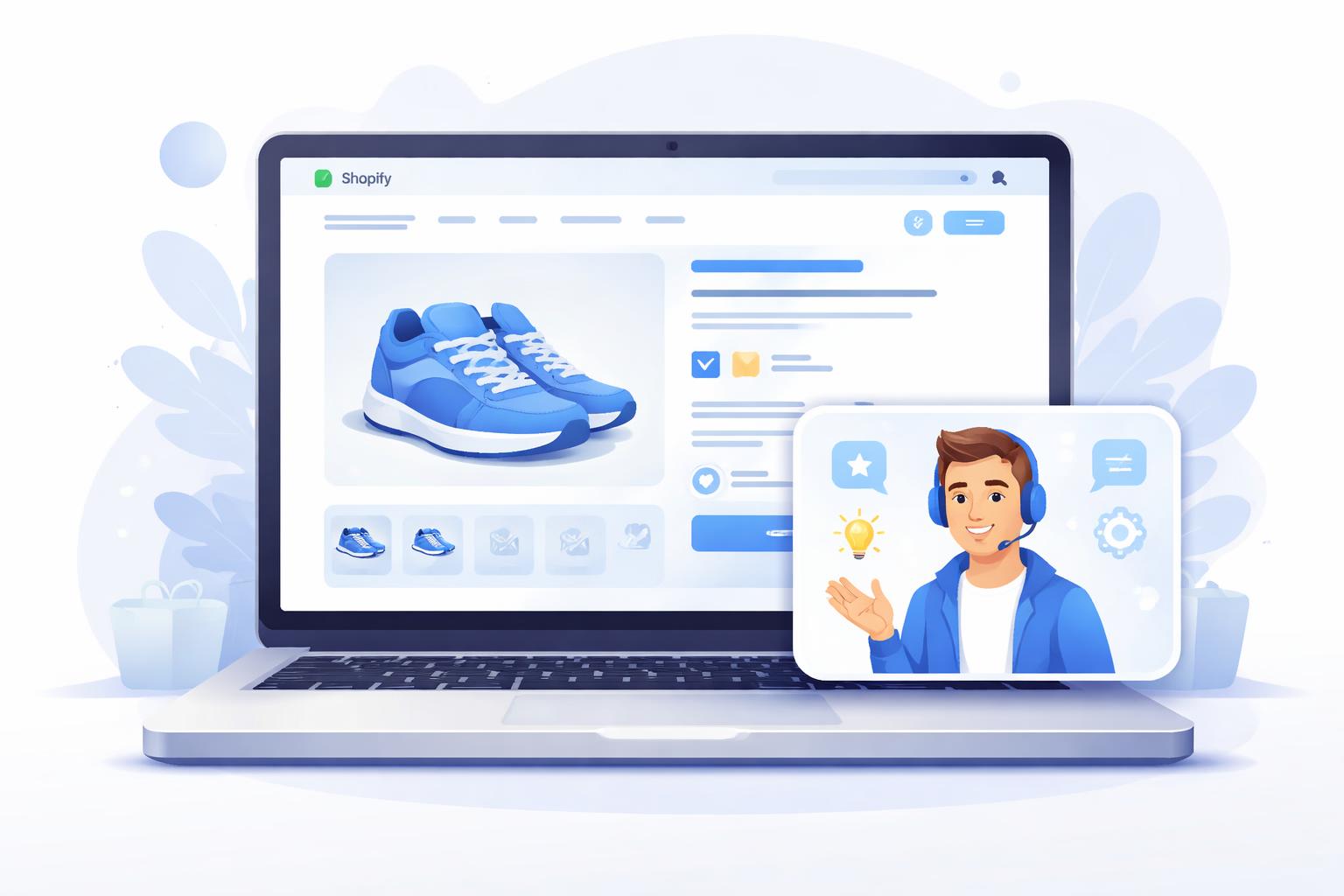
The Visual FAQ: How AI UGC Videos Kill Hesitation at the Shopify Buy Button
The "Add to Cart" button is the most critical junction in your Shopify store. It is also where the majority of your potential customers vanish. Why? Because between clicking the product and hitting the button, a wall of micro-hesitations appears: Will this fit me? Is the material actually soft? What if the return process is a nightmare?
Most merchants try to solve this with a text-heavy FAQ section at the bottom of the page. But in 2026, nobody is reading 500 words of fine print. To bridge the gap, you need a Visual FAQ—a strategy that uses high-trust AI UGC videos to answer buyer questions exactly where they occur.
Why Text FAQs Are Failing Your Store
Text-based FAQs are passive. They require the customer to stop their scrolling, find the FAQ link, and scan for their specific worry. Each of those steps is a friction point where you can lose the sale.
Visual FAQs, powered by Supra UGC Maker, are active. They put a human face (or a friendly AI avatar) in front of the customer, speaking directly to their concerns. This builds instant social proof and removes the cognitive load of reading technical specs. By placing these videos in your product carousels, you address friction before it turns into an exit.

Three Visual FAQ Strategies to Implement Today
1. The "Sizing & Fit" Concierge
For apparel or furniture brands, sizing is the #1 reason for cart abandonment. Instead of just a table of numbers, use an AI avatar to explain the fit.
Example Script: "Hey! If you're between sizes, I recommend sizing up for this hoodie. The material is a heavy-weight cotton blend that's designed for a slightly oversized, cozy look. I'm wearing a Medium here, and it's perfect for layering."
2. The "Quality & Texture" Close-up
Customers can't touch your product through a screen. A Visual FAQ video can use close-up shots (generated via Supra's environment tools) while an avatar narrates the tactile experience. This is especially powerful for skincare or home goods where "feel" is everything.
3. The "Risk-Reversal" Hero
Sometimes the hesitation isn't about the product, but the process. Use a 15-second video to explain your shipping and returns. Seeing a friendly face explain that "Returns are free and we ship within 24 hours" is significantly more reassuring than a tiny shipping icon in the footer.

How Supra UGC Maker Powers the Visual FAQ
Creating a video for every single FAQ question used to be a logistical nightmare. You'd need a studio, a creator, and a massive budget. With Supra UGC Maker, you can batch-produce your entire Visual FAQ library in an afternoon.
- AI Avatars: Choose from a library of diverse, professional avatars that act as your brand's official "product experts."
- Timeline Editor: Easily overlay text captions or product close-ups to emphasize key points (like "Free Shipping" or "100% Organic").
- Product Integration: Pull your Shopify product data directly into the app to ensure your scripts are always accurate.
- Voice & Accent Controls: Match your brand's personality perfectly, whether you need a high-energy hype-man or a calm, authoritative expert.
Conclusion: Turn Hesitation into Action
Every second a customer spends wondering "What if?" is a second they aren't buying. By transforming your static FAQ into a dynamic Visual FAQ, you provide the clarity and confidence needed to push through the buy button.
Ready to kill hesitation on your store? Try Supra UGC Maker on Shopify today and start building your first Visual FAQ video in minutes.