
The 'Uncanny Valley' Trap: 4 Mistakes That Make Your AI UGC Look Fake
May 20, 2025 By Supra UGC MakerAvoid the uncanny valley trap in your video marketing. Discover 4 common mistakes that make AI UGC look fake and learn how to create authentic content.
The 'Uncanny Valley' Trap: 4 Mistakes That Make Your AI UGC Look Fake
One glance at a video ad is all it takes for a customer to decide if they trust your brand or if they are being sold a "deepfake" illusion. For Shopify merchants, AI-generated user-generated content (UGC) is a superpower, but it comes with a catch: if you fall into the "uncanny valley," your conversion rates will plummet.
Authenticity is the currency of modern social commerce. When a video feels "off"—whether it's the lighting, the voice, or the way the avatar moves—the viewer's brain triggers a subtle warning. Instead of focusing on your product, they are focusing on why the person on screen doesn't look quite real. To help you scale your video marketing without losing that human touch, we’ve identified the four most common mistakes that make AI UGC look fake and how to avoid them.
1. Mismatched Lighting and Backgrounds
One of the fastest ways to break the illusion of reality is to place a perfectly lit AI avatar against a background that doesn't match the environment's light source. If your avatar looks like they are standing in a professional studio but the background is a dimly lit living room, the visual "friction" is immediate.
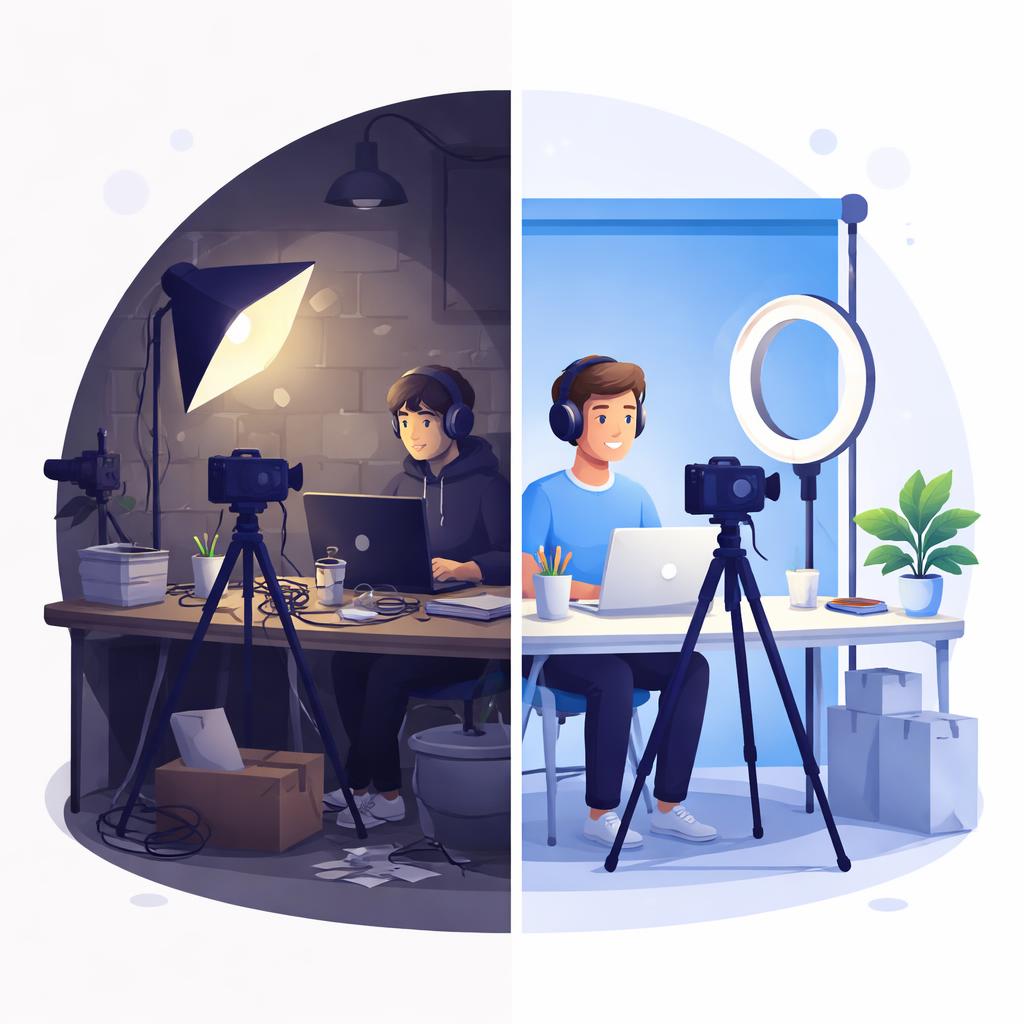
The Fix: Always choose environments that match the vibe of your product. If you're selling a kitchen gadget, use a bright, airy kitchen background. If you're using Supra UGC Maker, leverage the environment generation tool to create a scene that naturally complements the shadows and highlights on your chosen avatar.
2. Robotic Scripting and Lack of "Human" Pauses
Traditional AI scripts are often too perfect. Real people stumble, use filler words (occasionally), and change their pace when they get excited about a feature. A script that reads like a technical manual will always sound like a machine, no matter how good the voice synthesis is.
The Fix: Write scripts that include natural transitions. Use contractions like "don't" instead of "do not." Add parenthetical instructions for the AI to emphasize certain words. A great strategy is to follow the AIDA hook ladder to ensure your script flows like a real conversation rather than a sales pitch.
3. Ignoring the Timeline and Visual Pacing
A static, one-take video of an avatar talking to the camera is a red flag for "AI-generated." Real UGC is dynamic; it has cuts, zooms, and B-roll. If the avatar's head is the only thing moving for 30 seconds, the viewer will quickly lose interest and spot the artifice.

The Fix: Use a timeline editor to break your video into segments. Switch between different camera angles or add product close-ups. By varying the visual input every 3-5 seconds, you mimic the fast-paced editing style of TikTok and Instagram Reels, making the AI avatar feel like just one part of a professional production.
4. Over-Polishing the Final Output
Counter-intuitively, making a video look too perfect can make it feel fake. Real UGC is often filmed on a smartphone with slight imperfections. If your video looks like a Super Bowl commercial but is trying to pass as a "customer review," the disconnect will confuse your audience.
The Fix: Keep it grounded. Use avatars that look like your actual target demographic. Don't be afraid of a background that has a little bit of "life" in it. The goal isn't to create a cinematic masterpiece; it's to create a relatable recommendation.
How Supra UGC Maker Helps You Stay Authentic
Avoiding these mistakes is significantly easier when you have the right tools. Supra UGC Maker was designed specifically to bridge the gap between AI efficiency and human authenticity.
With our Timeline Editor, you can easily cut between different segments to keep the energy high. Our Voice and Tone Controls allow you to adjust the accent and emotion of your script, ensuring it sounds like a real person sharing a recommendation. Most importantly, our Environment Generation ensures that your avatars always look like they belong in the scene, eliminating that "pasted-on" look that plagues lower-quality AI tools.
Ready to create AI UGC that actually converts? Try Supra UGC Maker on the Shopify App Store today and start building trust with your customers through high-quality, realistic video content.