
The 'Silent Seller': How to Boost Shopify Conversions with AI UGC in Product Carousels
May 20, 2025 By Supra UGC MakerLearn how to use Shopify product carousel videos and AI UGC to turn static product pages into high-converting sales machines.
The 'Silent Seller': How to Boost Shopify Conversions with AI UGC in Product Carousels
Imagine a salesperson who never sleeps, never takes a break, and perfectly explains your product to every single visitor—right at the moment they are deciding whether to click "Add to Cart."
Most Shopify merchants spend thousands on ads to get traffic, only to let visitors drop off because the static product images don't tell the full story. A static photo can show what a product looks like, but it can't show how it feels, how it works, or why someone should trust it. By integrating AI-generated UGC (User-Generated Content) directly into your Shopify product carousel video strategy, you bridge the gap between "just looking" and "buying now."
Strategy 1: The 'Second-Slide' Social Proof
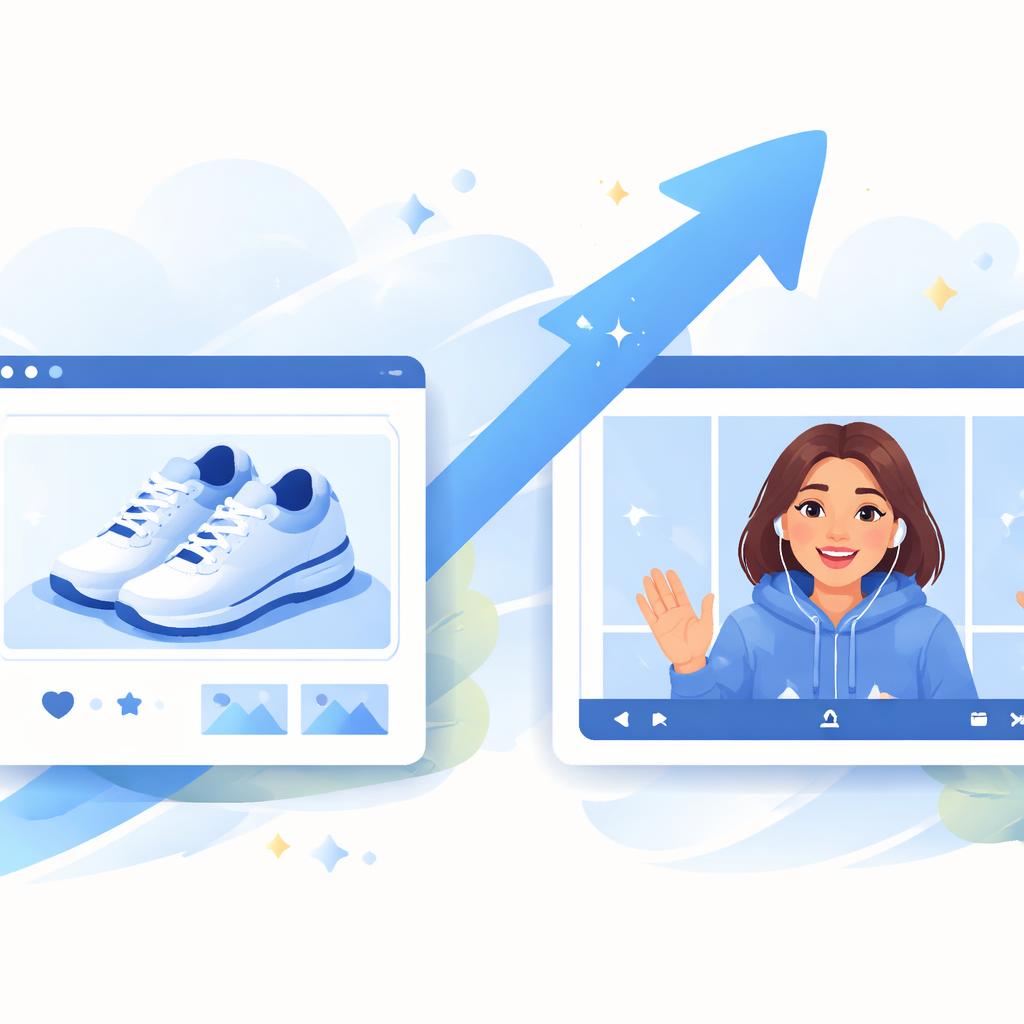
The first image in your carousel is usually a clean studio shot. But the second slide? That's where you should put your "Silent Seller." An AI avatar acting as a satisfied customer can provide an instant testimonial. Unlike a wall of text reviews at the bottom of the page, a video in the product carousel is impossible to miss. It humanizes the brand immediately and provides the social proof needed to close the sale.

Strategy 2: Modular Feature Deep-Dives
Instead of one long 2-minute video that no one watches, create three 15-second clips. One for the "unboxing experience," one for a "feature spotlight," and one for a "common FAQ." In the Shopify product carousel, these act as bite-sized pieces of information that the user can swipe through at their own pace. This is one of the most effective product page conversion tips because it respects the user's time while delivering high-value information.
Strategy 3: The 'Static vs. Dynamic' Engagement Loop
Users are naturally drawn to movement. When a visitor swipes from a static image to a vibrant, speaking AI avatar, their engagement spikes. This "thumb-stop" moment on the product page is critical for reducing bounce rates. You can even use this to show the product in action—for example, an avatar explaining the fit of a garment or the texture of a skincare cream. Using AI UGC for Shopify allows you to test different creators and tones to see which one resonates best with your specific audience.
How Supra UGC Maker Helps
Creating these "Silent Sellers" used to require hiring actors, setting up lights, and weeks of editing. With Supra UGC Maker, you can generate high-quality product videos in minutes.
- AI Avatars: Choose from dozens of realistic creators or generate a custom one that fits your brand's demographic.
- Direct Product Integration: Pull your Shopify product data directly into the app to ensure your scripts are accurate and your visuals are synced.
- Timeline Editor: Easily add text overlays and cut segments to create those high-converting 15-second clips for your carousel.
- Voice & Tone Control: Match the voice of your "Silent Seller" to your brand—whether it's authoritative for tech gadgets or bubbly for beauty products.
If you've already mastered your ad creative, the next step is optimizing your on-site experience. Check out our guide on slashing refund rates with product walkthroughs for more ways to use video testimonials for product pages effectively.
Ready to turn your product pages into high-converting machines?
Don't let your static images do all the heavy lifting. Start building your team of AI creators today and watch your conversion rates climb. Your customers are waiting for a reason to trust you—give it to them with video.