
Beyond the White Wall: How to Use AI Environments for High-End Shopify UGC
September 19, 2026 By Supra UGC MakerElevate your brand with AI environments for Shopify UGC. Learn how to swap boring backgrounds for high-end virtual sets that boost your product's perceived value.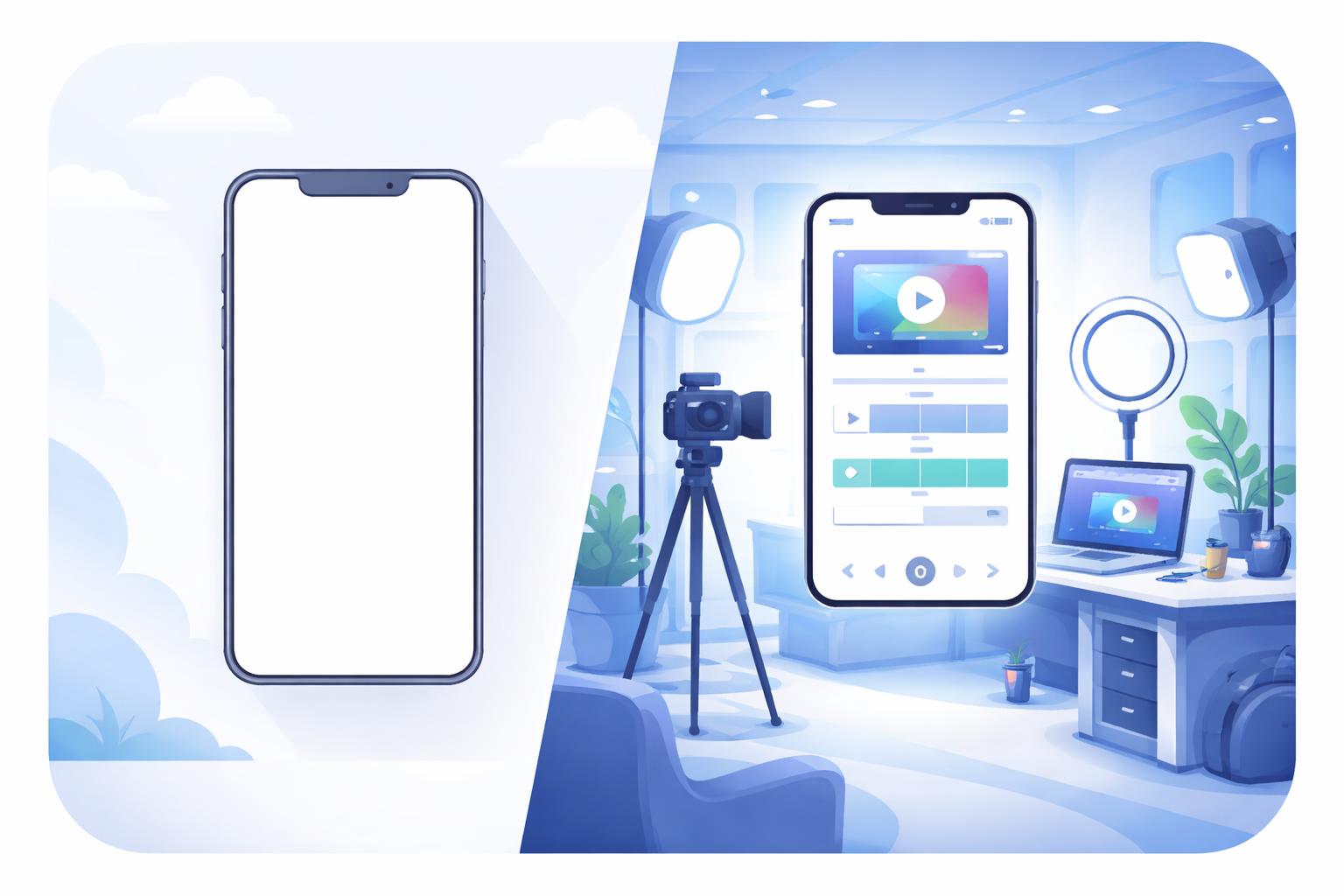
Beyond the White Wall: How to Use AI Environments for High-End Shopify UGC
Stop settling for the "bedroom wall" look in your user-generated content. If you want to command premium prices, your video ads need to look the part.
For years, the gold standard of UGC was a creator standing in front of a plain white wall or a messy bedroom. It felt "authentic." But as the Shopify landscape becomes more crowded, authenticity is no longer enough—you need authority. The environment where your product lives in a video dictates its perceived value long before the creator even speaks.
Using AI environments for Shopify UGC allows you to transport your products from a home office to a luxury penthouse, a professional kitchen, or a serene spa in seconds. Here is how to use high-end virtual sets to elevate your brand.

1. Match the Environment to the Price Point
If you are selling a $150 night cream, showing it on a cluttered bathroom counter creates a "value mismatch." To bridge the trust gap for high-ticket items, you need an environment that mirrors the luxury of the product.
Use AI to generate environments with materials like marble, brushed gold, or soft linen. These visual cues signal to the customer that they are looking at a premium brand. With Supra UGC Maker, you can select from a library of high-end presets or generate a custom scene that fits your specific brand aesthetic.
2. Contextualize for Instant Recognition
One of the biggest mistakes in Shopify video ads is a lack of context. If a customer has to guess what your product does, they’ve already scrolled past. AI environments allow you to place your product in its "natural habitat" without the cost of a location scout.
- Kitchenware: Place your avatar in a sun-drenched, modern kitchen.
- Home Office Gear: Use a minimalist, productivity-focused workspace.
- Fitness Supplements: Opt for a high-energy, industrial gym setting.

3. Leverage Depth and Lighting for Realism
Flat backgrounds make videos look like cheap green-screen edits. To achieve a high-end look, your AI environments should have layers. Look for scenes with "bokeh" (blurred backgrounds) and realistic light sources, such as sunlight streaming through a window or soft overhead studio lights.
This depth makes the AI avatar pop and gives the entire video a cinematic quality that traditional smartphone UGC often lacks.
How Supra UGC Maker Elevates Your Creative
Supra UGC Maker isn't just about the avatars; it's a full-scale virtual production studio. Our AI environment generation tool lets you describe the exact scene you want, and our lighting engine ensures your AI creator looks perfectly integrated into that space.
By utilizing our timeline editor and product integration, you can swap environments between different segments of your video. Start with a hook in a lifestyle setting, then move to a clean studio background for a feature deep-dive.
Transform Your Store’s Visual Identity
You don't need a five-figure production budget to have world-class video creative. By moving beyond the white wall and embracing AI-generated environments, you can create a cohesive, high-end brand experience that converts.
Ready to upgrade your Shopify product videos? Try Supra UGC Maker today and start building your virtual sets.